Typing practice that feels like play
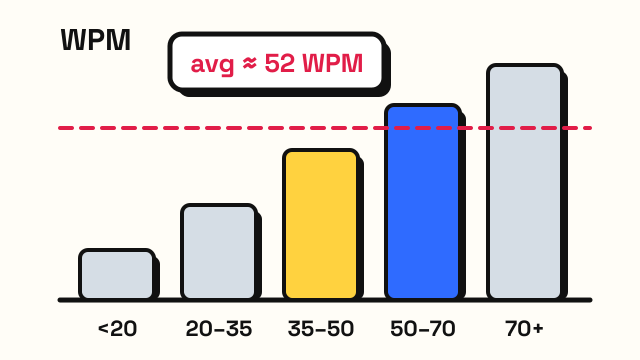
EnjoyTyping is a free place to practice typing in English. Start with the typing test to see where you are today: it measures your words per minute (WPM) and accuracy, and shows the keys you miss most. Each of those keys links straight to the lesson that practices it.
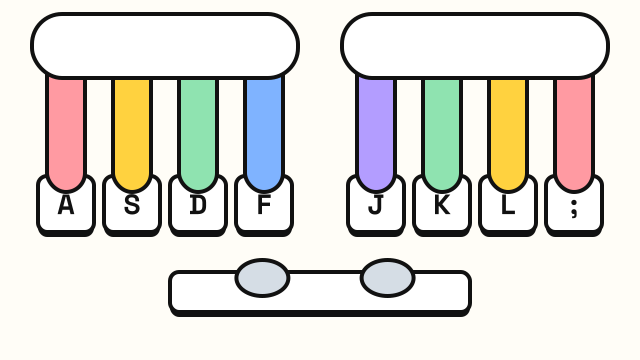
If you still look at the keyboard, the typing lessons teach touch typing one step at a time. Six courses with 46 short levels take you from the home row to capital letters, numbers, symbols and speed drills. A keyboard on screen highlights the next key, and a hand guide shows which finger should press it, so your eyes can stay on the screen.
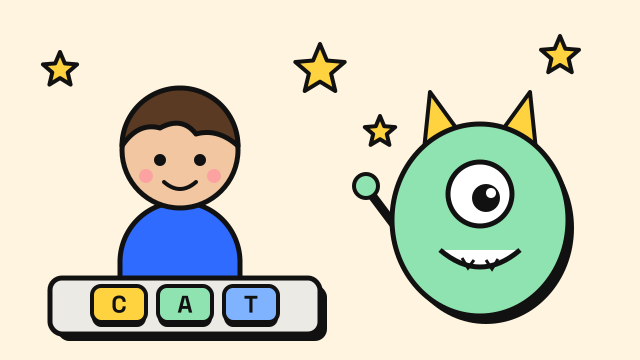
When drills get dull, switch to the typing games. In the Monster Typing Game every correct word is an attack, and a mistake breaks your combo. In the Typing Challenge, lines from classic books scroll up to a red deadline while music plays, and the pace quickens every 30 seconds. In Listen and Type you see a picture, hear the word and spell it.
How to get faster
- Aim for accuracy first. Type at a speed where mistakes are rare. Speed builds on clean habits.
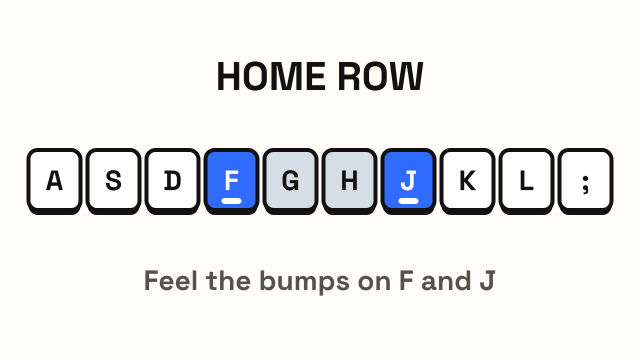
- Keep your fingers on the home row. Return to ASDF and JKL; after every key.
- Practice little and often. Ten minutes a day beats one long session a week.
Your results, lesson progress and game records are saved in your own browser. Nothing is sent to a server and there is no account to create.